Security Update on Reed's wireless networks
A new security certificate is occasionally applied to Reed's wireless networks. On Macs connected to Reed1x or Reed, you may see a pop-up message like the one below asking you to verify the certificate (Windows users may also be prompted with a similar message).
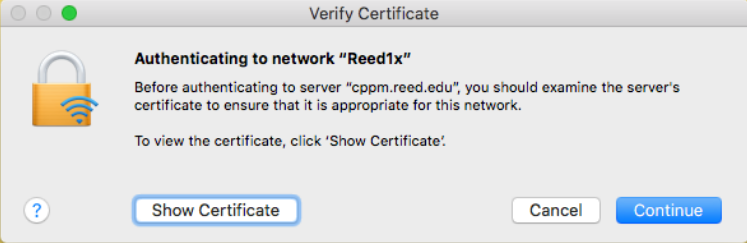
You can verify the certificate by clicking the "Show Certificate" button. Make sure it's issued by "InCommon RSA Server CA".
After you click Continue, you will receive another pop-up window asking for your computer password. Type in your computer password to permanently save the certificate.
Please contact the CUS help desk with any questions or concerns.