Printing On Your Mobile Device
Enable printing on iOS
Follow these steps to enable printing through your iDevice:
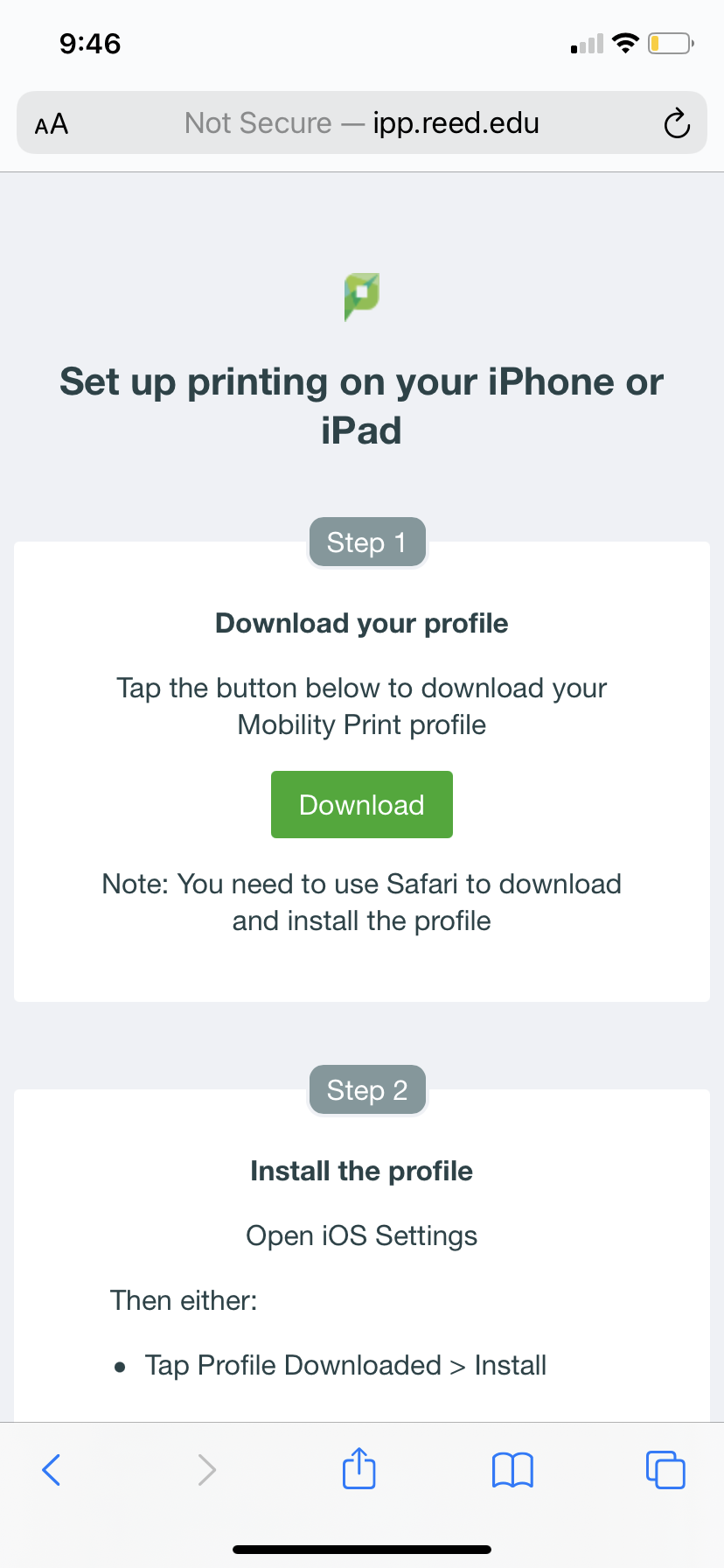
- Click this link to download the mobility print profile for your iOS device.
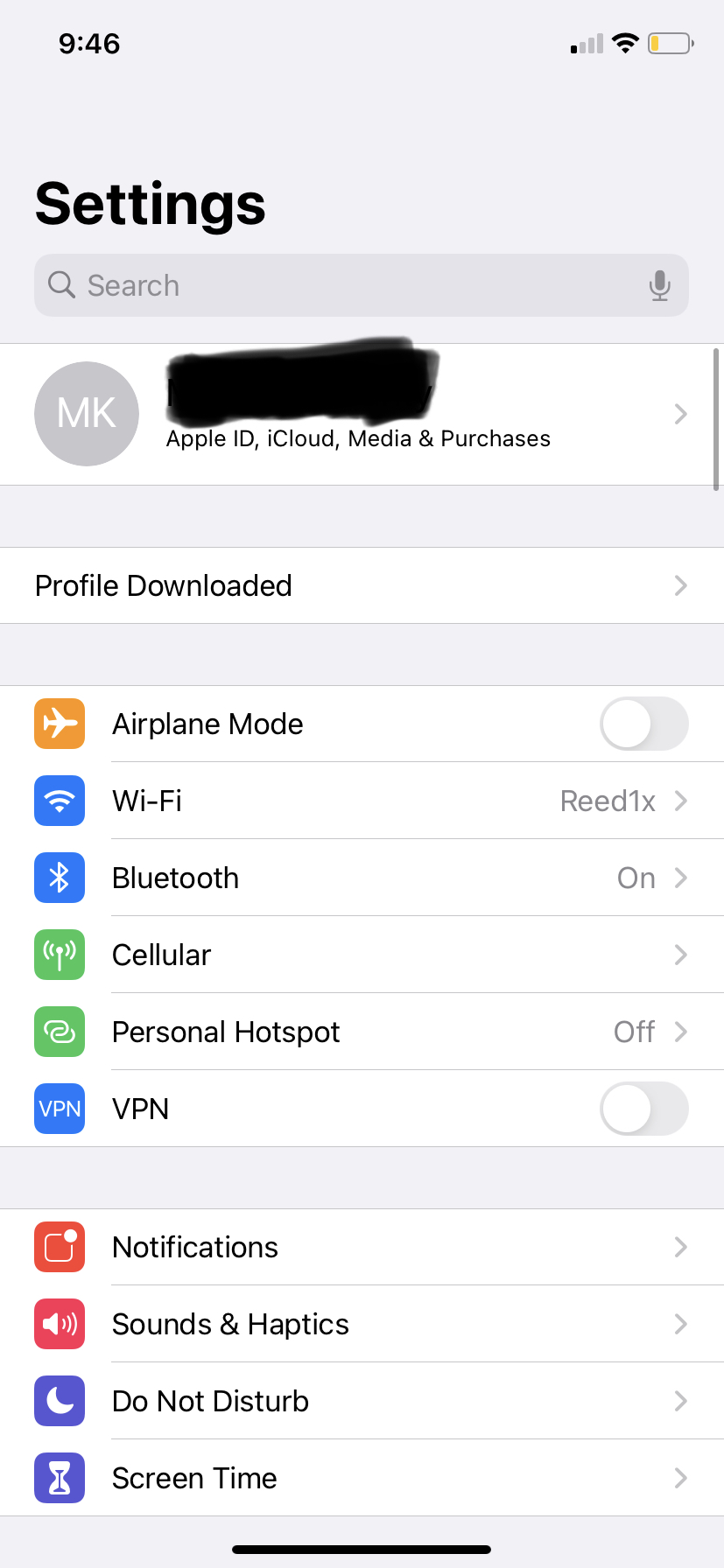
- Go to Settings, where you will find a "Profile Downloaded" beneath your Apple ID and above the airplane mode setting.
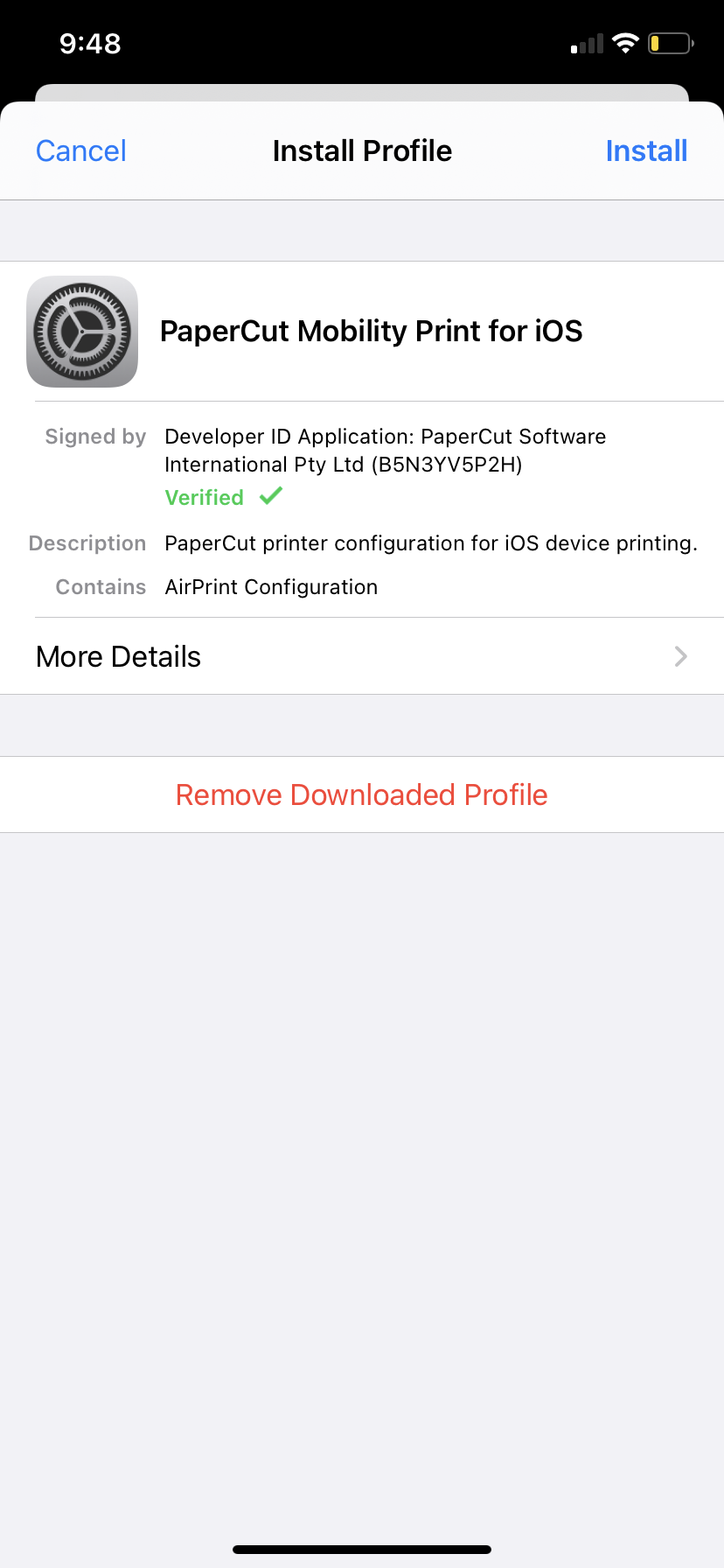
- Click Install.
Enable printing on Android
- Download the mobility print app, either from the play store or from this link.
- Follow the instructions on the app to install Papercut printers.
- Note: Notifications must be enabled within the Mobility Print app for the authentication pop-up to display.