Microsoft Account through Reed
Through Reed's site-license, current community members are eligible for a Microsoft account in order to install Office on a personal computer. The account can also be used for Copilot. Students have access until they graduate; faculty/staff as long as they are employed.
Requesting a Microsoft Account
- Send an email to cus@reed.edu requesting a Microsoft account.
- Once you have received your Microsoft credentials, go to https://microsoft365.com, and click the Sign in button. Follow the prompts to set a unique password to the account (do not use the same password as your Reed Kerberos account).
Office on Personal Computers
Office includes Word, Excel, PowerPoint, OneNote, Outlook, Publisher, Access, OneDrive and access to Office Online. This subscription is compatible with both Windows and Mac operating systems. You can use Office on up to 5 devices including laptops, tablets, and mobile devices.
You are required to have an internet connection to install and activate its subscription, as well as to keep its applications up to date with the latest version available as long as you're eligible. If you do not connect to the internet for 39 days, your applications will enter a reduced functionality mode, where you will be able to view documents but not edit or create new ones.
Follow the instructions below to install Office 365:
- Once you have received your Microsoft account credentials, go to https://office.com. Click Apps (on the left side), and then Install Apps from the upper right > Microsoft 365 apps.
- Download the installer, then double click the .pkg file to begin the installation.
- Once installation is complete, a window should popup and prompt you to get started/sign in. If this does not happen, open up one of the Office Apps (Word or Excel) to sign in.
- Enter your Reed email address your Microsoft account password.
- You are now ready to use Office!
Copilot
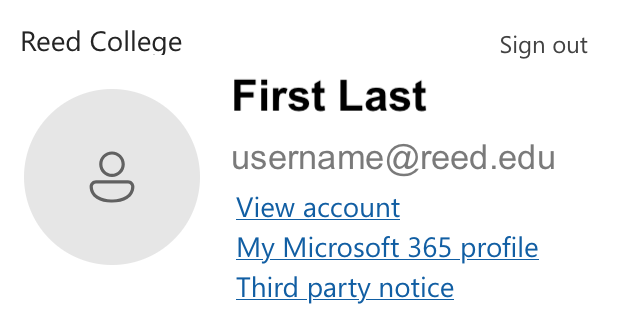
Copilot is Microsoft's AI-powered tool. Please refer to Reed's AI Data Security and Privacy Guidelines for more information about how to use it responsibily while adhering to appropriate college policies. Make sure you are signed into your Reed Microsoft account while using Copilot and not a personal account (click your icon in the lower left to verify you see "Reed College" and your Reed email address).