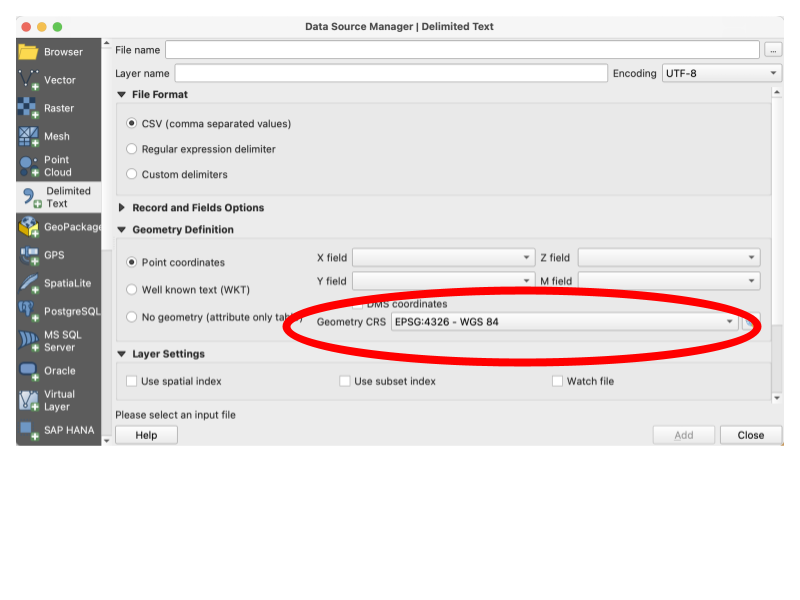
When opening some types of files you can specify the CRS you would like to use.
A Coordinate Reference System (CRS) is a framework that defines how spatial data is mapped on the Earth's surface. Essentially, it allows us to take a 3D object and turn it into a 2D projection. But there are many different ways of doing this, and that can lead to conflicts in our data.
This is often the answer to the perpetual question “why are my points showing up in the middle of the ocean”? You have one set of data in one CRS and you are adding a layer on top that uses a different projection. It’s like laying out a blueprint measured in feet and one measured in meters and expecting them to line up. But you can convert between reference systems just as you would between feet and meters. See below for information on changing the CRS.
These are just a few. There are many, many more beyond these and many subdivisions within these.
You should try to always work with data in the same CRS. Having your original data files in the same CRS is wonderful but not always possible, but you should always standardize your CRS within projects. Even minor differences like those between NAD83 and WGS84 can add up, so if you have multiple data files that each use a different CRS, you should convert to a standard. You can do this several ways in QGIS: by changing the CRS when you load a file, by setting the CRS when you save a layer, or by reprojection. Reprojection will remap one set of coordinates to be the same type of projection (the same CRS) as another set.
When opening some types of files you can specify the CRS you would like to use.
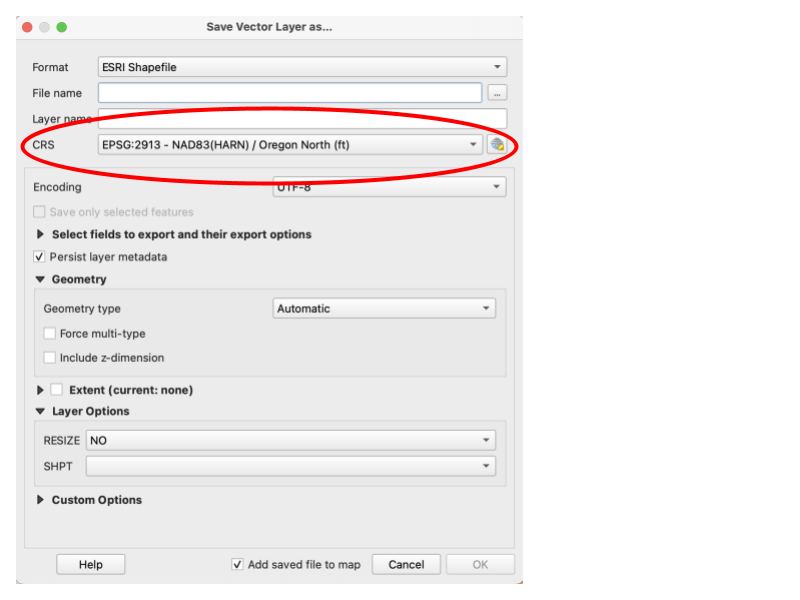
When saving a file, you can change the CRS that you would like to save the file as.
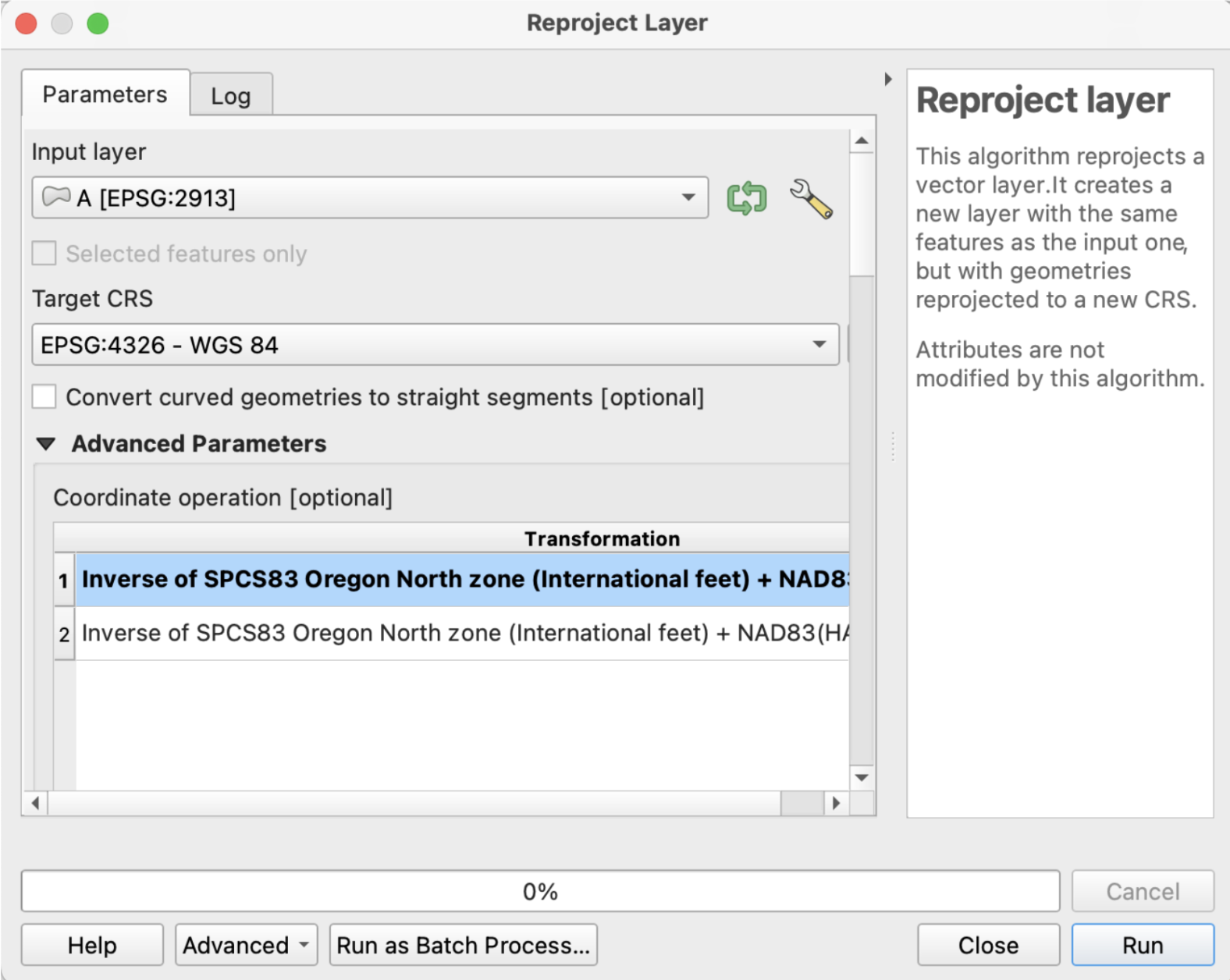
From within Vector General, you can use the Reproject Layer tool to create a new layer with your preferred CRS.
https://docs.qgis.org/3.34/en/docs/training_manual/vector_analysis/reproject_transform.html
https://docs.qgis.org/3.34/en/docs/training_manual/processing/crs.html#crss-reprojecting